
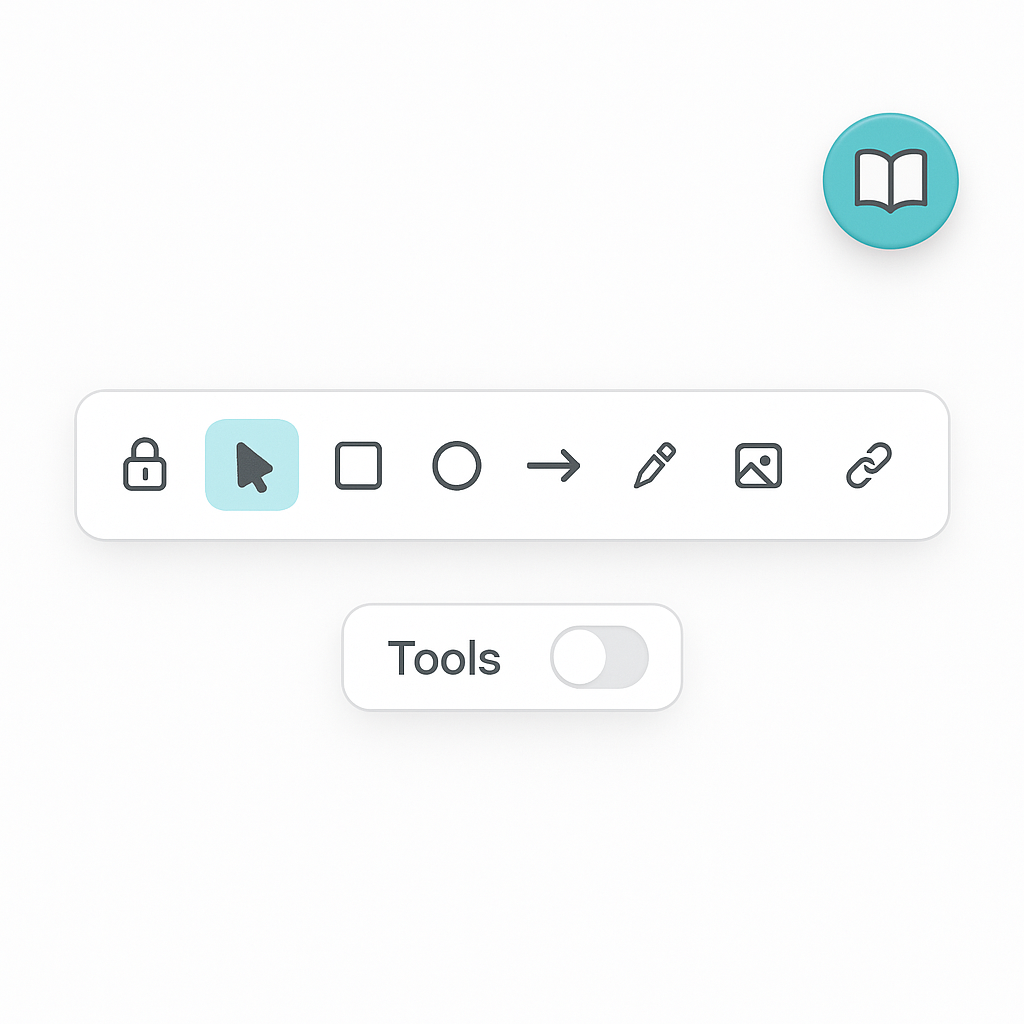
Designing a focused Tools Dialog for the Diagrammer
We’re adding a small, purpose-built Tools Dialog to the Diagrammer so users can save, persist, and manage their diagram changes without leaving the canvas. Instead of pulling in a bulky UI, we’re composing tiny parts that are easy to grow.
What we’re building
A floating trigger button that’s always reachable.
A compact dialog that opens above the Excalidraw canvas.
Clear extension points for “Save”, “Load”, “Export”, and autosave settings.
A persistence layer that can evolve from local storage to server-side storage.
Composition at a glance We keep Diagrammer focused on orchestration. The button and dialog live in dedicated components.
ToolsButton: a small, icon-first control that doesn’t fight layout. ToolsDialog: a modal built on our Dialog primitives, with correct z-indexing and mobile centering.
UX choices that matter
The tools panel is designed to be small by default, keeping the user’s focus on the canvas without unnecessary visual clutter. It’s always positioned above the canvas, using a high z-index to ensure it remains visible even when other overlays, such as Excalidraw elements, are active. Built with a mobile-first approach, the dialog appears centered vertically, maintains balanced spacing, and features fully rounded corners for a clean, touch-friendly look across all devices.
Saving and Persisting Diagrams
The Diagrammer’s persistence model is designed around a simple, predictable pipeline that makes saving, loading, and sharing seamless.
Save: Captures the current scene — including all elements and app state — and writes it to storage.
Load: Retrieves the most recent saved state and rehydrates the canvas instantly.
Autosave: Optionally runs on an interval or via a debounce mechanism to keep progress safe without user intervention.
Export: Provides quick SVG or PNG exports for effortless sharing and documentation.
We’re starting with a progressive approach to persistence:
Phase 1: Local storage — lightweight, instant, and offline-friendly.
Phase 2: Authenticated API + database — enabling history, multi-device sync, and user ownership.
Phase 3: Versioning, collaborative sessions, and restore points — unlocking real-time teamwork and recovery workflows.
This approach ensures Diagrammer evolves naturally from a local sketching tool into a robust, cloud-backed collaborative environment.
Why This Architecture Will Scale
The strength of this design lies in its separation of concerns — Diagrammer serves as the orchestrator, while the button and dialog each handle their own focused responsibilities. Persistence is isolated in a dedicated service, keeping data logic cleanly decoupled from the UI. The storage layer is replaceable, allowing future migrations from local storage to APIs or databases without rewriting the interface. Likewise, the UI is extendable, meaning new dialog sections like Save, History, or Export can be added seamlessly without affecting the core canvas integration.Until next time — keep designing for clarity, scalability, and flow.